Wi-Fi & coverage
Troubleshoot weak signals, dropped connections, and rooms where your network struggles.
- Review router placement and your space
- Discuss access-point or mesh options if needed
- Check connectivity where you actually use it

Home & Small Office Networking
SOHO: Small Office / Home Office
From the home office to your small business, make your Wi-Fi, computers, and everyday devices work better together.
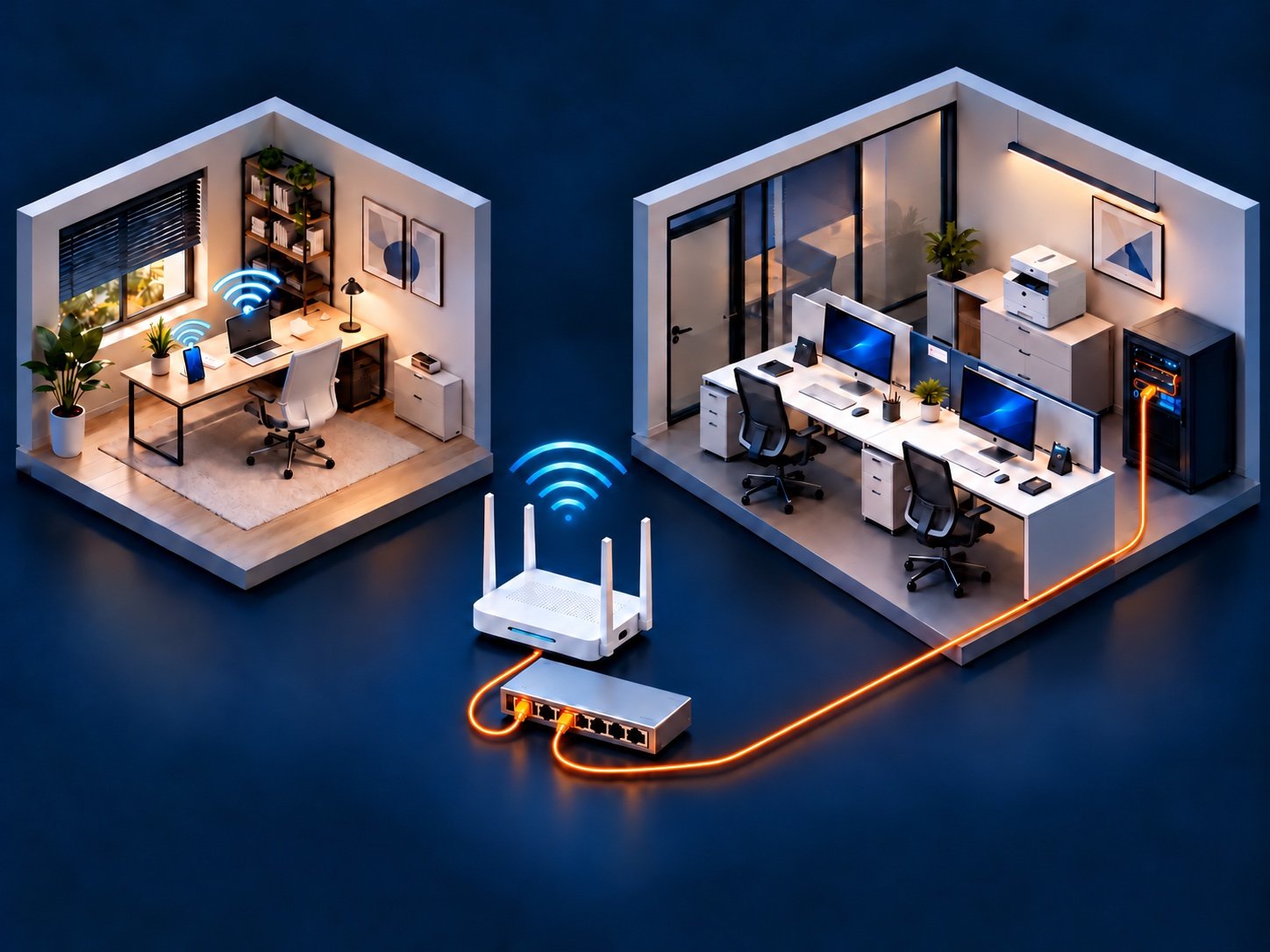
What We Help With
The right fix depends on your space, equipment, internet service, and devices. We look at the setup before recommending new hardware.
Troubleshoot weak signals, dropped connections, and rooms where your network struggles.
Help your existing equipment work together, from a new router to a stubborn network printer.
Organize practical network needs for a small team or home office.
A Practical Plan
A single slow device, a Wi-Fi dead spot, and an internet-provider outage can feel similar. Checking the pattern helps identify where the problem starts.
How It Works
Tell us your location, equipment, affected devices, and when the issue happens.
Discuss an assessment and the proposed work before any changes are made.
Work through the agreed changes and check the affected connections.
Review your network layout, access details, and practical next steps.
Common Questions
Not always. Placement, settings, a device issue, or the provider connection may be involved. New equipment is discussed only after reviewing the situation.
We can help distinguish local network problems from issues that may need your provider. Provider outages, account changes, and service-line repairs remain with the provider.
Yes. Share the printer model, the computers or phones using it, and whether it currently connects by Wi-Fi, Ethernet, or USB.
Both homes and small offices. The scope depends on the space, equipment, access, and project. Availability and any equipment costs are discussed before work begins.
Send the symptoms, equipment models if known, and your city or service area.
Serving Salt Lake Valley, Utah Valley, Park City, Heber City / Wasatch Back, and surrounding areas. Farther travel by arrangement.